Evermotion Archinteriors Vol. 48 - 10 Nordic Design Interior Scenes 3D Models
Last updated: February 26, 2026
Author: 3D Visualization Artist
Reading time: 10 minutes
Official Source: evermotion.org
🏠 What is Evermotion Archinteriors Vol. 48?
After working in architectural visualization for over 7 years, I've learned that time is the most valuable resource on any project. That's why Evermotion Archinteriors Vol. 48 has become my go-to solution for Nordic/Scandinavian interior projects.
This collection includes 10 fully textured Scandinavian interior scenes professionally crafted for architectural visualization. Every scene is ready to render with professional shaders and lighting already configured. Whether you're creating residential marketing materials, interior design presentations, or portfolio pieces, Archinteriors Vol. 48 delivers photorealistic results without the weeks of modeling time.
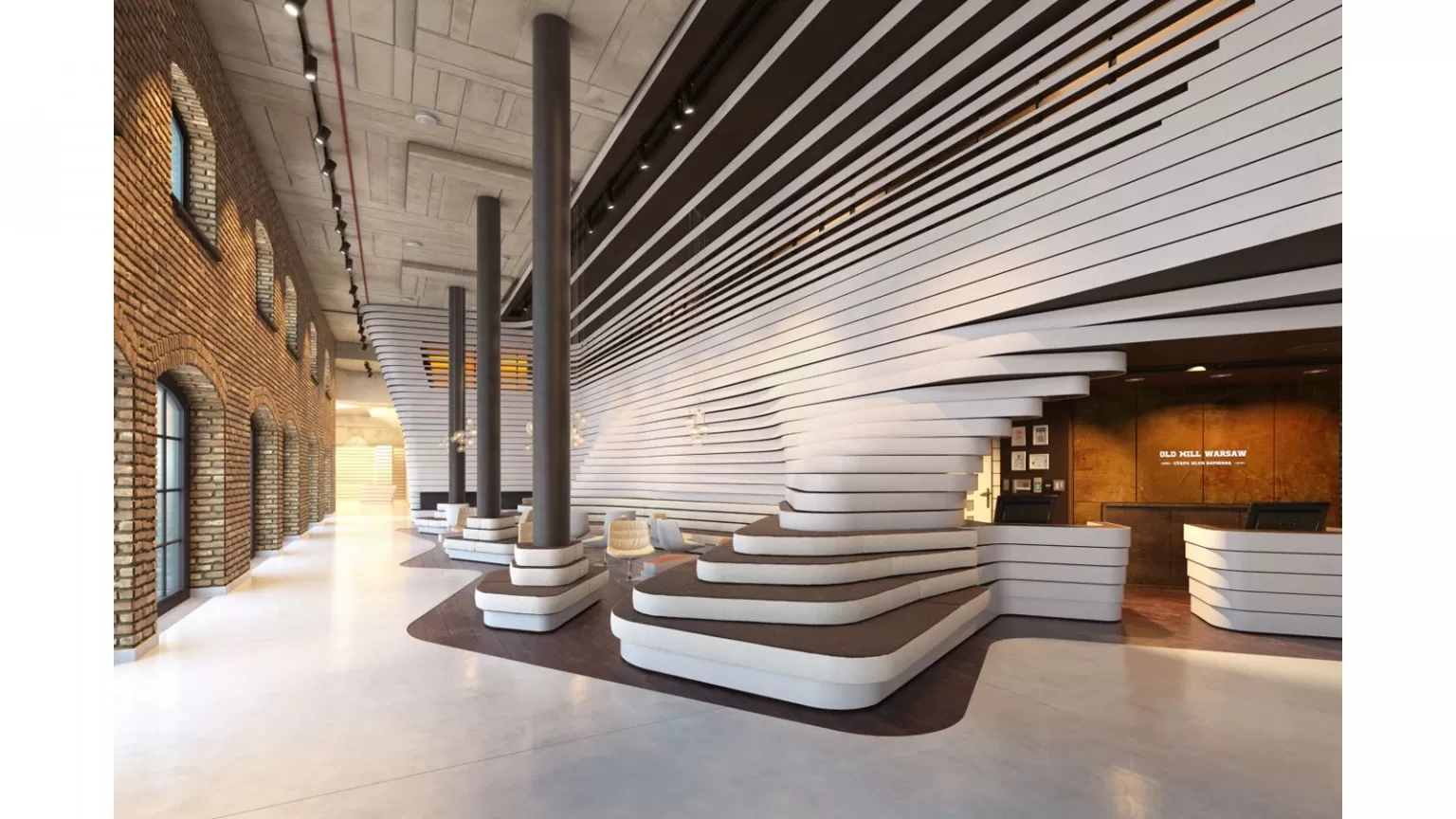
Scene 01: Minimalist Nordic living room with natural lighting and authentic Scandinavian furniture
✨ Why Archinteriors Vol. 48 Stands Out (From Production Experience)
Having used numerous 3D interior collections throughout my career, here's what makes Vol. 48 different:
| Feature | Real-World Benefit |
|---|---|
| 10 Complete Scenes | Ready-to-render interiors save 40+ hours of modeling per scene |
| Fully Textured | All materials and UV mapping pre-configured |
| V-Ray 3.x Ready | Professional shaders with accurate PBR materials |
| PSD Post-Production Included | Layered render passes for flexible compositing |
| Multiple Formats | MAX, OBJ, FBX for maximum software compatibility |
| Blender Version Available | Cycles-ready scenes for Blender users |
📦 What's Included
3ds Max Package (19.6 GB)
File Formats:
.maxfiles (3ds Max 2011 or higher).objfiles (standard materials + UV mapping).fbxfiles (materials, textures + UV mapping).psdfiles (post-production layered files)
Renderer Requirements:
- V-Ray 3.0 or higher (V-Ray 3.4+ recommended)
- All scenes prepared for V-Ray 3.x
System Requirements:
- 32GB RAM minimum
- 64-bit operating system
- CPU i5 or newer processor
- GPU with 4GB+ VRAM recommended
Blender Package (12.8 GB)
Specifications:
- Compatible with Blender 2.79 or higher
- Prepared for Cycles render engine
- All textures and materials pre-configured
- Ready to render out of the box
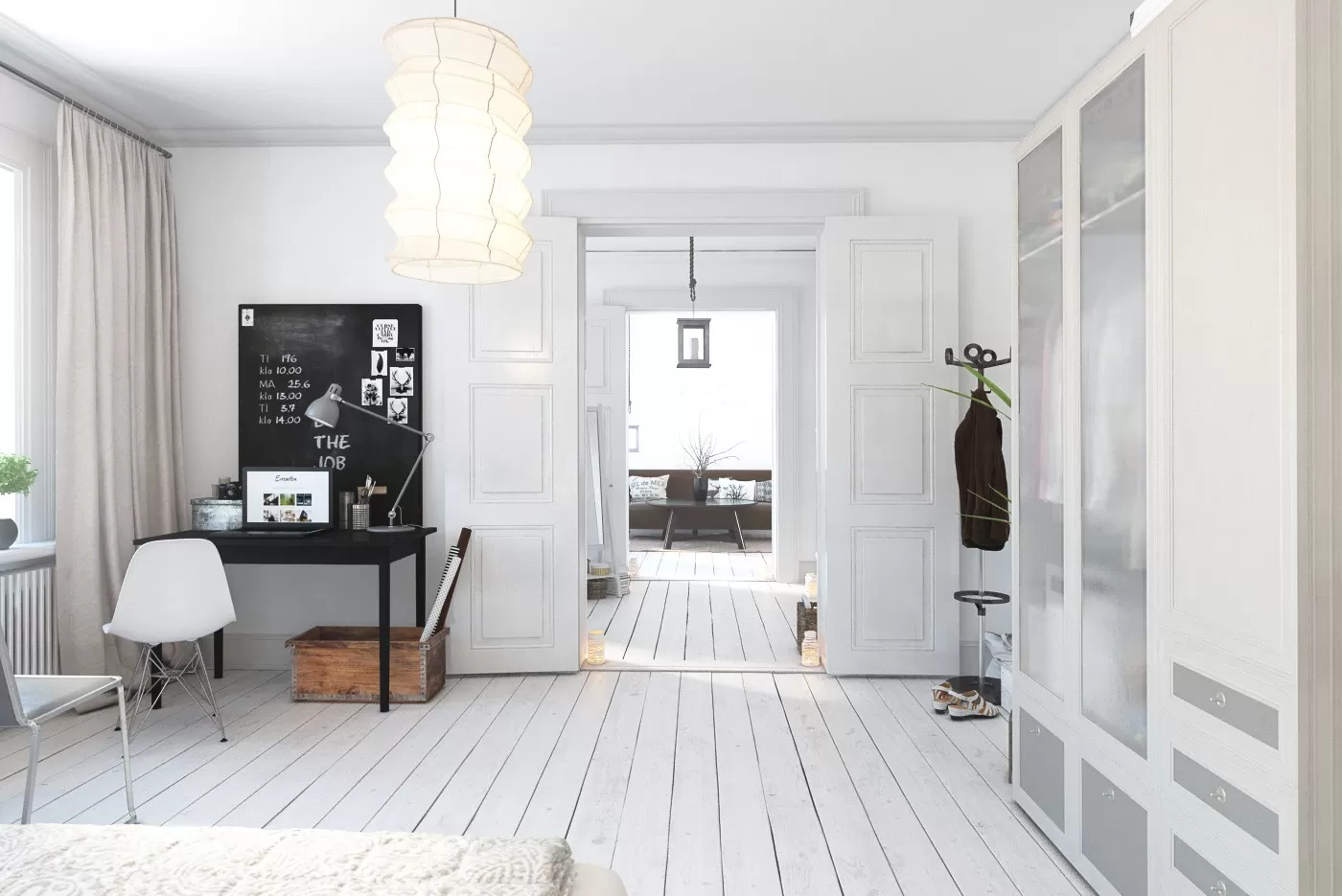
Scene 02: Serene Nordic bedroom with natural wood accents and soft textiles
🎨 All 10 Interior Scenes Breakdown
Scene 01: Living Room
Minimalist Nordic living room featuring:
- Large windows with natural daylight
- Authentic Scandinavian furniture
- Natural wood flooring
- Neutral color palette with texture variation
Scene 02: Bedroom
Peaceful Scandinavian bedroom with:
- Platform bed with linen textiles
- Built-in storage solutions
- Soft ambient lighting
- Minimalist decor elements
Scene 03: Kitchen
Modern Nordic kitchen including:
- Matte finish cabinetry
- Stone countertop surfaces
- Integrated appliances
- Pendant lighting fixtures
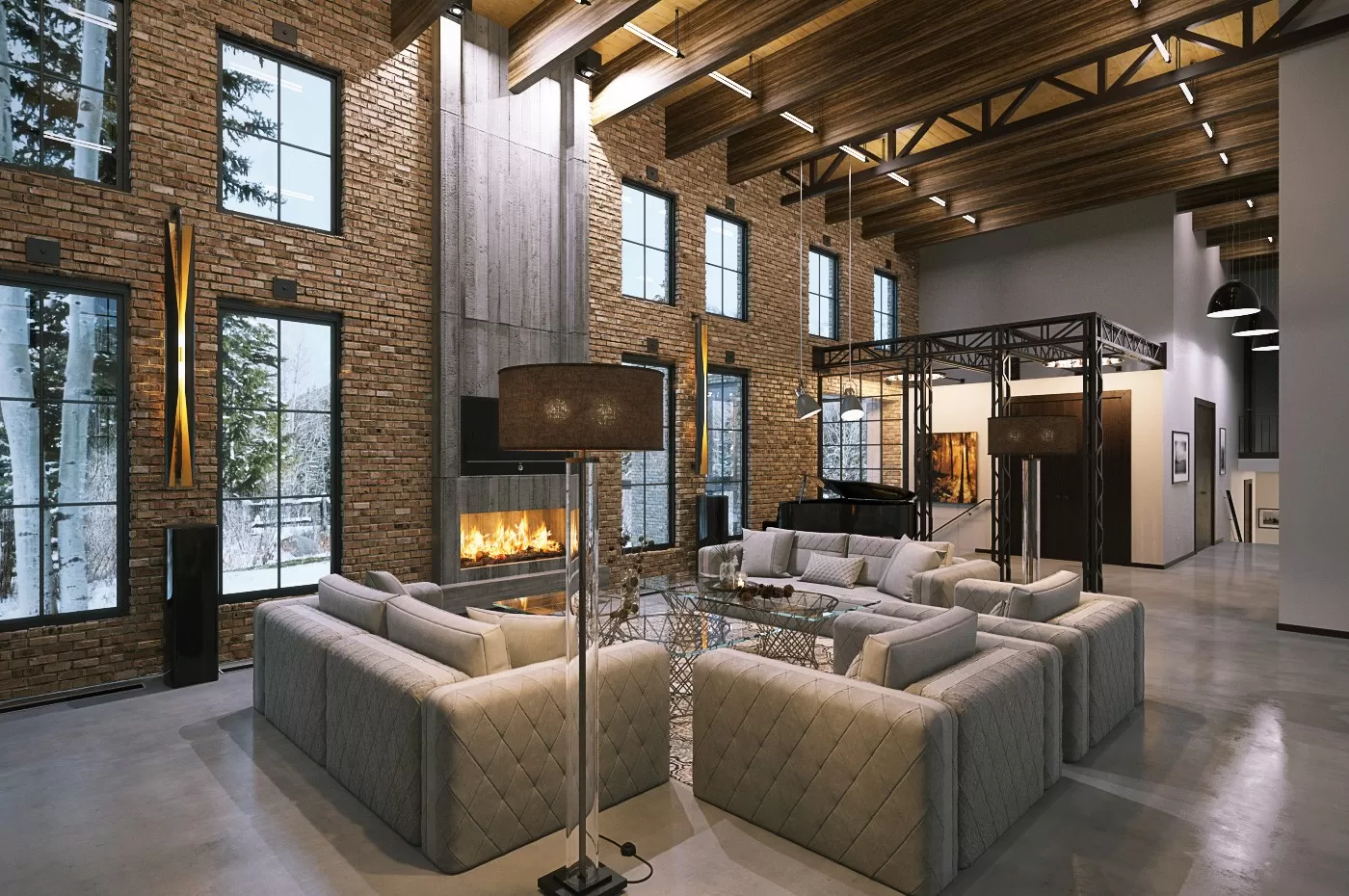
Scene 03: Contemporary Nordic kitchen with clean lines and natural materials
Scene 04: Dining Room
Elegant dining space featuring:
- Solid wood dining table
- Designer pendant lighting
- Built-in shelving units
- Large format windows
Scene 05: Bathroom
Spa-like Scandinavian bathroom with:
- Natural stone surfaces
- Freestanding bathtub
- Minimalist fixtures
- Integrated storage
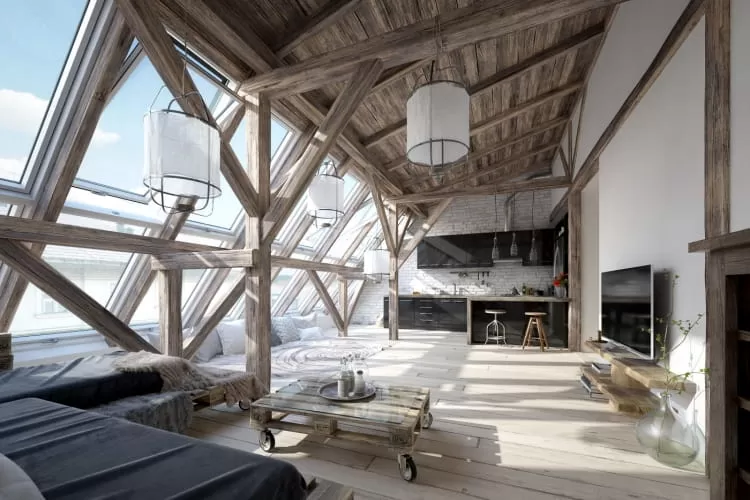
Scene 05: Minimalist Nordic bathroom with natural stone and wood elements
Scene 06: Study/Home Office
Functional workspace with:
- Built-in desk and shelving
- Ergonomic furniture
- Task and ambient lighting
- Cable management solutions
Scene 07: Hallway/Entry
Welcoming entry space featuring:
- Built-in coat storage
- Bench seating
- Mirror and lighting integration
- Durable flooring materials
Scene 08: Kids Room
Child-friendly Nordic room with:
- Safe, rounded furniture edges
- Playful yet minimal decor
- Storage for toys and books
- Soft lighting solutions
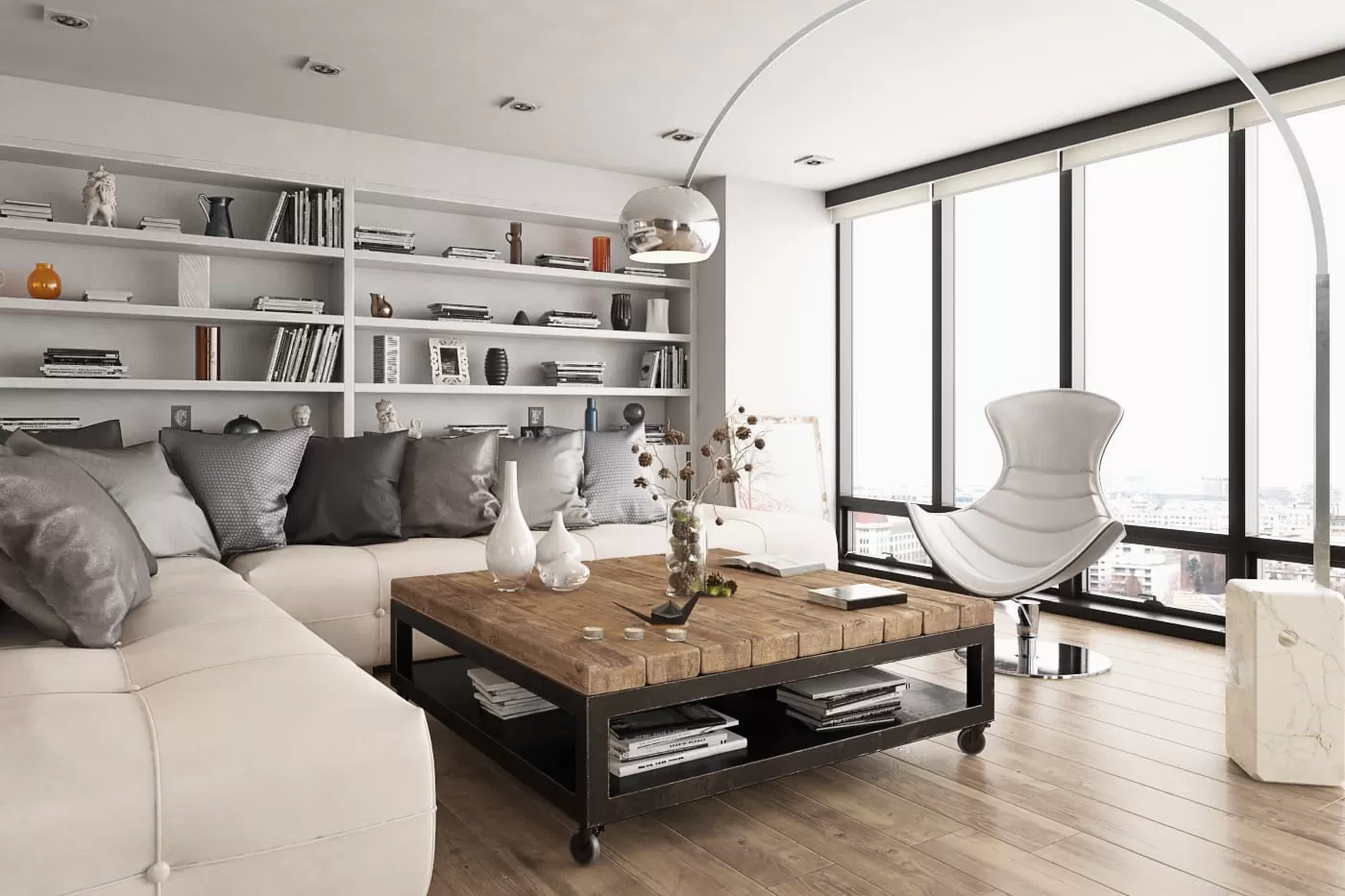
Scene 08: Playful yet minimal Nordic children's room with smart storage
Scene 09: Balcony/Terrace
Outdoor extension space with:
- Weather-resistant furniture
- Plant integration
- Privacy screening
- Ambient outdoor lighting
Scene 10: Home Office
Professional workspace featuring:
- Executive desk setup
- Bookshelf and storage
- Video call lighting
- Acoustic considerations
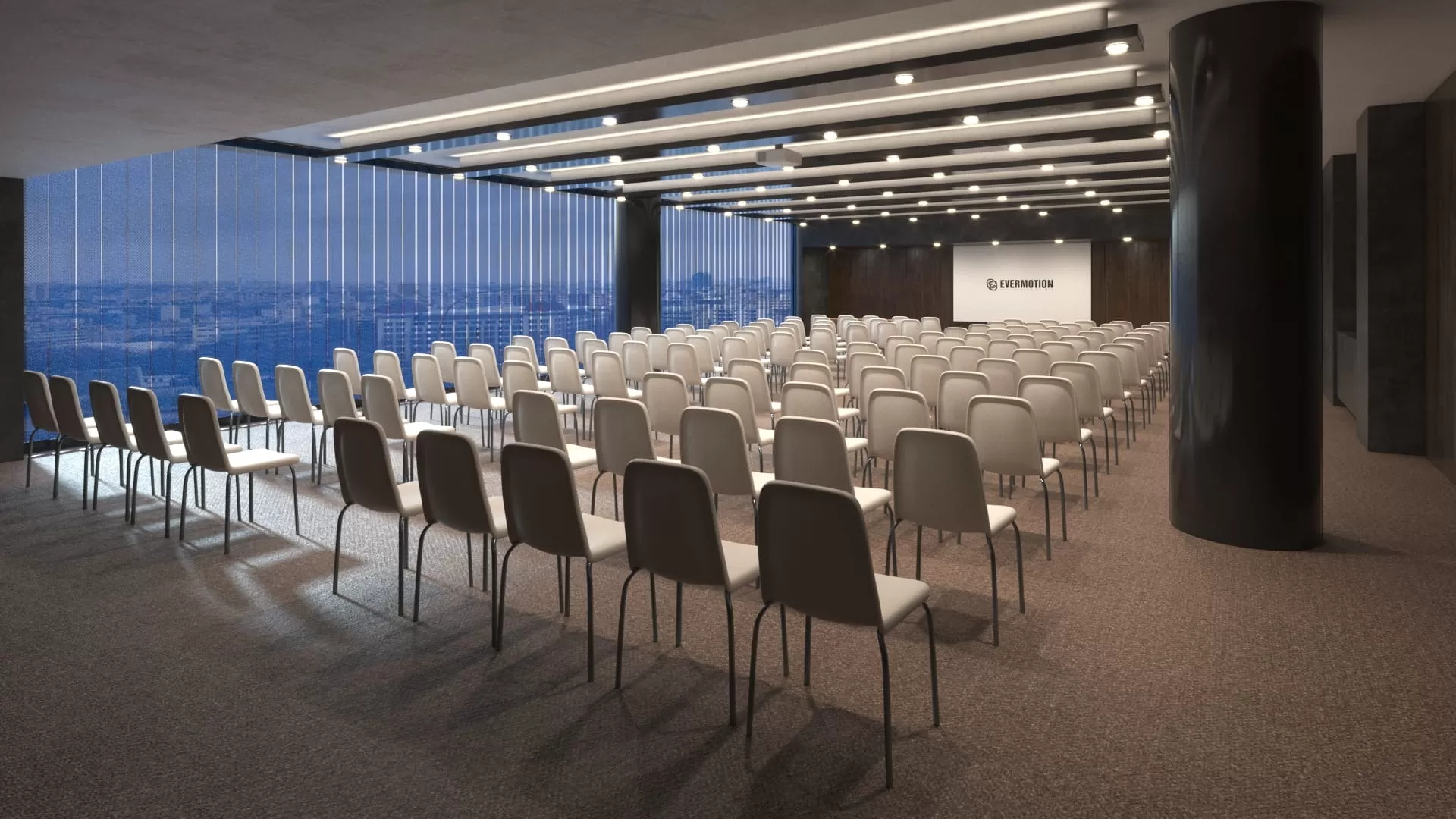
Scene 10: Professional Nordic home office with integrated storage and natural light
🛠️ Technical Specifications
| Specification | 3ds Max Version | Blender Version |
|---|---|---|
| File Size | 19.6 GB | 12.8 GB |
| Software | 3ds Max 2011+ | Blender 2.79+ |
| Renderer | V-Ray 3.0+ | Cycles |
| Formats | MAX, OBJ, FBX, PSD | BLEND |
| Textures | Included | Included |
| Materials | V-Ray materials | Cycles shaders |
| Lighting | V-Ray lights + HDRI | Cycles lights + HDRI |
| Post-Production | PSD layered files | N/A |
💡 Pro Tips from Production Workflow
Tip 1: Customize Materials Efficiently
The included PSD files allow you to:
- Adjust material colors without re-rendering
- Modify lighting intensity in post
- Add or remove decor elements
- Time saved: 2-3 hours per revision
Tip 2: Use Camera Matching
For architectural projects:
- Match camera focal length to real lens (24-35mm typical)
- Use two-point perspective for clean verticals
- Enable V-Ray physical camera for realistic DOF
- Result: More convincing architectural presentations
Tip 3: Leverage Layered PSD Files
The post-production PSDs include:
- Beauty pass (main render)
- Reflection pass
- Refraction pass
- Lighting pass
- Shadow pass
- Benefit: Complete control in Photoshop without re-rendering
Tip 4: Optimize Render Settings
For production renders:
- Use V-Ray Denoiser for cleaner results
- Set adaptive DMC with min 4, max 24 subdivisions
- Enable global illumination (BF + Light Cache)
- Quality: Photorealistic results in reasonable time
🎓 Real-World Use Cases
Residential Marketing Developments
Scenario: Real estate developer needs marketing visuals for new Nordic-style apartment complex.
Archinteriors Solution:
- Use Scene 01 (Living Room) for main marketing hero image
- Scene 02 (Bedroom) for bedroom suite promotion
- Scene 03 (Kitchen) for chef's kitchen feature
- Result: Professional marketing materials in days, not weeks
Interior Design Portfolio
Scenario: Interior designer building portfolio showcasing Scandinavian design expertise.
Archinteriors Solution:
- Customize materials to match design aesthetic
- Use multiple scenes to show range of capabilities
- Leverage PSD files for brand-consistent post-production
- Benefit: Portfolio that wins clients
3D Visualization Practice
Scenario: Junior 3D artist learning interior visualization techniques.
Archinteriors Solution:
- Study professional lighting setups
- Analyze material configurations
- Practice camera composition
- Outcome: Accelerated skill development
🆚 Archinteriors Vol. 48 vs Alternatives
| Feature | Archinteriors Vol. 48 | Generic 3D Models | Custom Modeling |
|---|---|---|---|
| Scene Count | 10 complete scenes | Usually 1-3 scenes | Per project |
| Texture Quality | Professional PBR | Variable | Custom |
| Lighting Setup | Pre-configured | Basic | Manual |
| Post-Production | PSD files included | Rarely | Manual |
| Time Investment | Ready immediately | Some setup | 40+ hours/scene |
| Cost Efficiency | High | Medium | Low |
| Customization | High (materials/colors) | Limited | Complete |
🔧 Troubleshooting Common Issues
Issue 1: Textures Not Loading
Solution:
- Use 3ds Max Asset Tracker to relink missing textures
- Verify texture path is correct
- Re-apply V-Ray material if needed
- Check bitmap paths in Slate Material Editor
Issue 2: Slow Render Times
Solution:
- Reduce Light Cache subdivs for test renders (500-800)
- Use V-Ray Denoiser instead of high AA settings
- Optimize geometry with V-Ray Proxy for complex objects
- Enable GPU rendering if available
Issue 3: Material Colors Appear Different
Solution:
- Enable "Display color in viewport" in V-Ray settings
- Check gamma settings (should be 2.2)
- Verify sRGB texture loading is enabled
- Use V-Ray Frame Buffer for accurate color
Issue 4: Scene Crashes on Load
Solution:
- Ensure 32GB+ RAM available
- Close other applications
- Use XRef for large scenes
- Consider loading scenes one at a time
📊 Time Savings Comparison
| Task | Custom Modeling | Archinteriors Vol. 48 | Time Saved |
|---|---|---|---|
| Model single room | 8-12 hours | 0 hours | 100% |
| Apply materials | 4-6 hours | 0 hours | 100% |
| Setup lighting | 2-4 hours | 0 hours | 100% |
| Configure camera | 1-2 hours | 0.5 hours | 75% |
| Post-production | 2-3 hours | 1 hour (PSD included) | 60% |
| Total per scene | 17-27 hours | 1.5 hours | ~90% |
🚀 Where to Get Archinteriors Vol. 48
Official Sources (Recommended)
- Evermotion Official Store – Latest version, full support
- 3ds Max Version: Available on Evermotion store
- Blender Version: Available separately on Evermotion store
- Cinema 4D Version: Also available for C4D users
Additional Resources
- Evermotion Tutorials – Official learning resources
- V-Ray Documentation – V-Ray 3.x reference
- Blender Cycles Guide – Cycles rendering documentation
Download Links
Download from Baidu Netdisk | Password: k6i5
Contact us on 💬 WhatsApp for premium access and support.
🔗 Related Resources
Official Links
Learn More
❓ Frequently Asked Questions
Q: Can I use these scenes for commercial projects?
A: Yes, Evermotion licenses allow commercial use in your rendered images. Check the specific license terms for your use case.
Q: Do I need V-Ray to use the 3ds Max scenes?
A: Yes, the scenes are prepared for V-Ray 3.x. You can import OBJ/FBX files and apply different renderers, but materials will need recreation.
Q: Are the furniture models high-poly or low-poly?
A: The scenes use production-ready geometry—detailed enough for close-up renders but optimized for reasonable render times.
Q: Can I modify the layouts?
A: Absolutely. The scenes are fully editable in 3ds Max/Blender. Move walls, furniture, and decor as needed for your project.
Q: Is the Blender version identical to the 3ds Max version?
A: The scenes are visually equivalent but recreated natively for Blender/Cycles. Some minor differences may exist due to renderer characteristics.
Q: Do the PSD files work in Photoshop Elements?
A: Yes, PSD files are compatible with any software that supports layered Photoshop files, including Photoshop Elements and Affinity Photo.
📝 Update History
| Version | Date | Changes |
|---|---|---|
| Vol. 48 | 2024 | Initial release with 10 Nordic scenes |
| Blender Port | 2024 | Native Blender/Cycles version released |
| C4D Port | 2025 | Cinema 4D version with V-Ray support |
🎯 Final Verdict
After integrating Archinteriors Vol. 48 into my architectural visualization workflow, it has become an indispensable resource for Nordic/Scandinavian interior projects. The quality of modeling, texturing, and lighting is professional-grade, and the time savings are substantial.
Rating: ⭐⭐⭐⭐⭐ (5/5)
Best for:
- Architectural visualization studios
- Interior designers building portfolios
- Real estate marketing professionals
- 3D artists learning interior lighting
- Anyone needing quick, quality Nordic interiors
Consider alternatives if:
- You need non-Scandinavian design styles
- Your budget is extremely limited
- You require complete custom layouts (though scenes are editable)
Product information verified against official Evermotion documentation. All trademarks and product names are property of their respective owners.
Last verified: February 26, 2026 - All links checked and functional.