
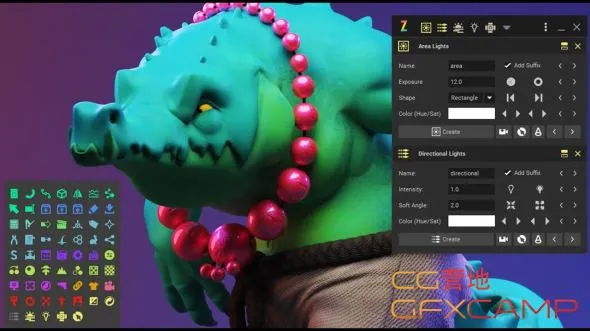
Maya Modeling Lighting Material Shader Rendering Toolkit Plug-in ZooTools Pro 2.14.0c for Maya 2017-2027 Win/Mac + Preset Pack + Scene Files + Tutorials
Zoo Tools Pro 2 includes 40 small features, such as various little tools to speed up modeling, scene lighting presets, shader materials, rendering and many other presets
- Zoo Tools Pro 2 adds extra functionality to Maya.Your saved files can be opened by others without Zoo Tools installed.
- Version 2 is a complete re-write with over fifty new tools.
- Each tool comes with it’s own training page and comprehensive tooltips.
- Easy install with the Drag-And-Drop Installer.
Plug-in installation steps:
- Drag dragdropinstall.py into the Maya viewport to install it
Preset installation steps:
- Copy these preset folders to C:\Users\yourUsername\Documents\zoo_preferences\assets\
Scene file installation steps:
- Open the Zoo plug-in, Zoo Preferences > General > Zoo Preferences Folder, and open the preferences folder
- Copy the maya_scenes, maya_shaders and studioLibrary folders into the preferences \assets\ directory
that is, into zoo_preferences\assets\



