
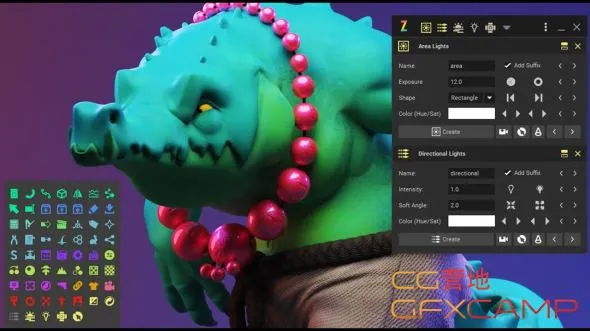
Maya建模灯光材质着色器渲染工具包插件 ZooTools Pro 2.14.0c for Maya 2017-2027 Win/Mac+预设包+场景文件+使用教程
Zoo Tools Pro 2包含40个小功能,比如各种小功能加快建模、场景灯光预设、着色器材质、渲染等多方面预设
- Zoo Tools Pro 2 adds extra functionality to Maya.Your saved files can be opened by others without Zoo Tools installed.
- Version 2 is a complete re-write with over fifty new tools.
- Each tool comes with it’s own training page and comprehensive tooltips.
- Easy install with the Drag-And-Drop Installer.
插件安装步骤:
- 将dragdropinstall.py拖到Maya视窗进行安装即可
预设安装步骤:
- 将这些预设文件夹拷贝到C:\Users\yourUsername\Documents\zoo_preferences\assets\
场景文件安装步骤:
- 打开Zoo插件,Zoo Preferences> General > Zoo Preferences Folder,打开偏好设置文件夹
- 拷贝maya_scenes、maya_shaders、studioLibrary文件夹到preferences \assets\ directory
zoo_preferences\assets\里面即可



