
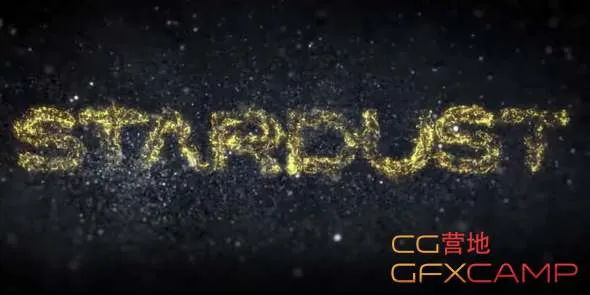
AE Node-Based 3D Particle Plugin Superluminal Stardust v1.6.0c Win Cracked Version CC 2015.3 – 2024 + Preset Library
The new-generation node-based particle plugin for AE, Stardust – Introduction
Stardust introductory tutorial
Stardust is a node-based AE 3D particle plugin; according to the promotional video and introduction, it has a large number of particle presets available, makes it easy to modify and replace presets, offers unlimited 2D/3D particle control, emitter/particle/replica/force field/3D model/text Mask and other controls, and multiple generation methods.
Stardust is a modular 3D particle system for After Effects. It has an easy to use node based user interface and ships with a ton of presets to create stunning effects quickly and easily.
Plugin features:
- Modular 3D particle system for After Effects.
- Node based interface to easily build complex systems in a single 3D space.
- Add or replace smart presets in one click.
- Replica, a unique tool to replicate particles in many exciting ways.
- Countless particle effects for both 3D and 2D looks.
- Emitters, Particles, Replica, Forces, Auxiliary Emitters, 3D Models, Text & Mask and Maps.
- Space deformers, Sphere, Box, 3d Models, Bend, Twist, Maps, Black Hole.
- Splines, animatable as paths and emitters.
- Containers to enclose and/or emit particles in a sphere, box or 3D model.
Supported AE versions:
- Win AE CC 2015.3 or higher
Installation steps:
- Install Stardust_1_6_0c.msi
- Copy Stardust_effect.aex to the AE installation directory, e.g. Adobe After Effects 2024\Support Files\Plug-ins\Superluminal\Stardust, and replace
If installation fails, you can use the manual installation version
- Copy the Superluminal folder from the “Copy to After Effects Plug-ins folder” folder to Adobe After Effects 2024\Support Files\Plug-ins
- Copy the Superluminal folder from the “Copy to Documents folder” folder to Documents



