
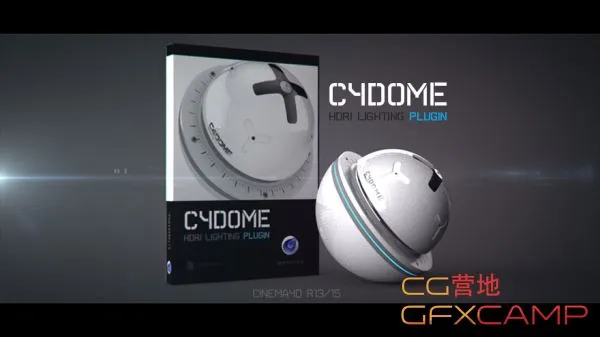
C4D HDRI Lighting Plugin Preset Renderking C4Dome v2.0 R13-R16+ Video Tutorial
Renderking’s C4Dome plugin redefines HDRI lighting; it can separate light and reflection to create accurate, realistic images and animations. It is a powerful HDRI rendering plugin that also comes with a large preset library. The download includes the plugin and usage tutorial — please be sure to read the installation instructions before installing.
C4Dome it’s a new way to think about HDRI lighting.It’s the most accurate lighting resource for Cinema 4D(standard render engine).You can split light and reflection source,creating really accurate images and animations.
The most powerful HDRI render plugin in few days with amazing new features, new custom library presets, new render preset with flickering free settings, a very handily interface to speed up your workflow and most important…. thinker to enhance R16 reflectance channel!
Win Installation Method:
- Copy the C4Dome v20 Build 2020140921 folder into the MAXON\CINEMA 4D\plugins plugin directory
- Open C4D; it will prompt that the plugin is unregistered — ignore it, then go to Script-User Script-Run Script and choose to run Renderking_C4Dome_2_KG.py
- A pop-up appears saying that a license file has been generated, placed by default in the same folder as Renderking_C4Dome_2_KG.py
- Copy the license.lic license file into the CINEMA 4D\plugins\C4Dome v20 Build 2020140921 folder
- Copy the preset file rk_c4dome_v2.lib4d into the MAXON\CINEMA 4D\library\browser folder
- Restart C4D, and you will see it in the Plugin menu
Mac Installation Method:
- Same as above
- Same as above, run Renderking_C4Dome_2_MAC_KG.py
- A pop-up appears; right-click to copy the serial number
- Save it into a txt file, then rename the txt to the license.lic license file and copy it into the CINEMA 4D\plugins\C4Dome v20 Build 2020140921 folder
- Same as above
- Same as above
Official website: http://www.renderking.it/products-page/cinema-4d-2/c4dome-v2/



