
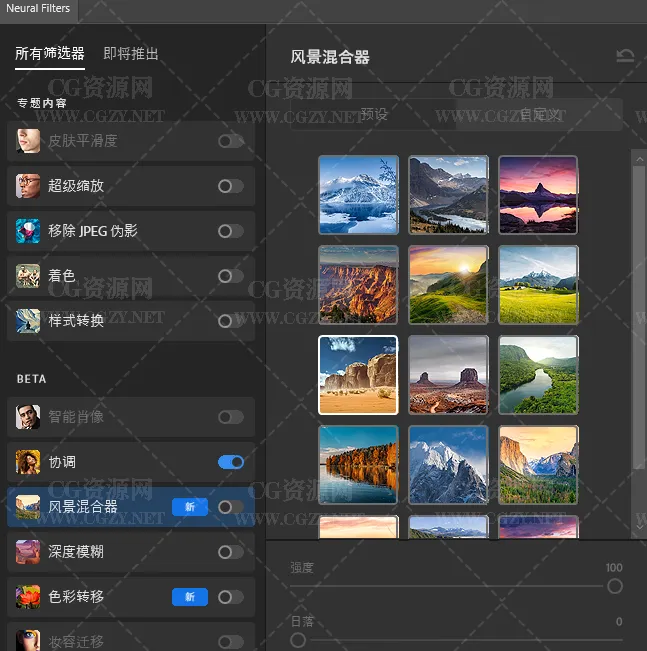
Neural Filters (AI Smart Filters) Offline Installation Package Download + Usage Tutorial
PS neural filters Neural Filters are powered by Adobe Sensei, and here we provide the offline installation package plus an installation and usage tutorial.
Neural Filters is a new workspace in Photoshop that contains a filter library using machine learning powered by Adobe Sensei, which can greatly reduce hard-to-achieve workflows to just a few clicks. Neural Filters is a tool that lets you try non-destructive, generative filters and explore creative ideas in seconds. Neural Filters helps you improve your images by generating new contextual pixels that do not actually exist in the original image.
Taking the 2023 Neural Filters offline installation method as an example:
-
Download and install PS2023
-
After installing PS2023, open PS2023 - Help - Sign in to an Adobe account
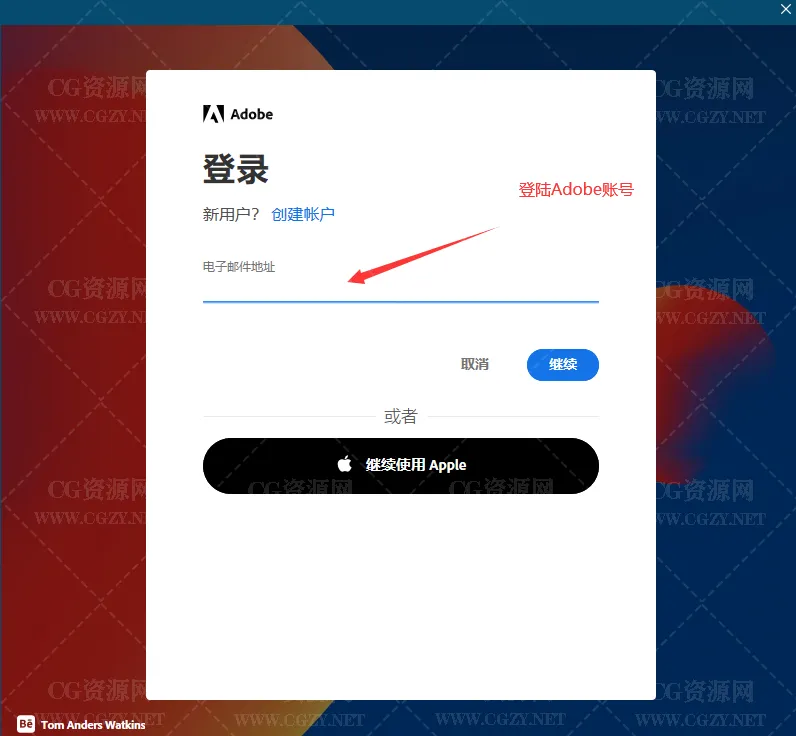
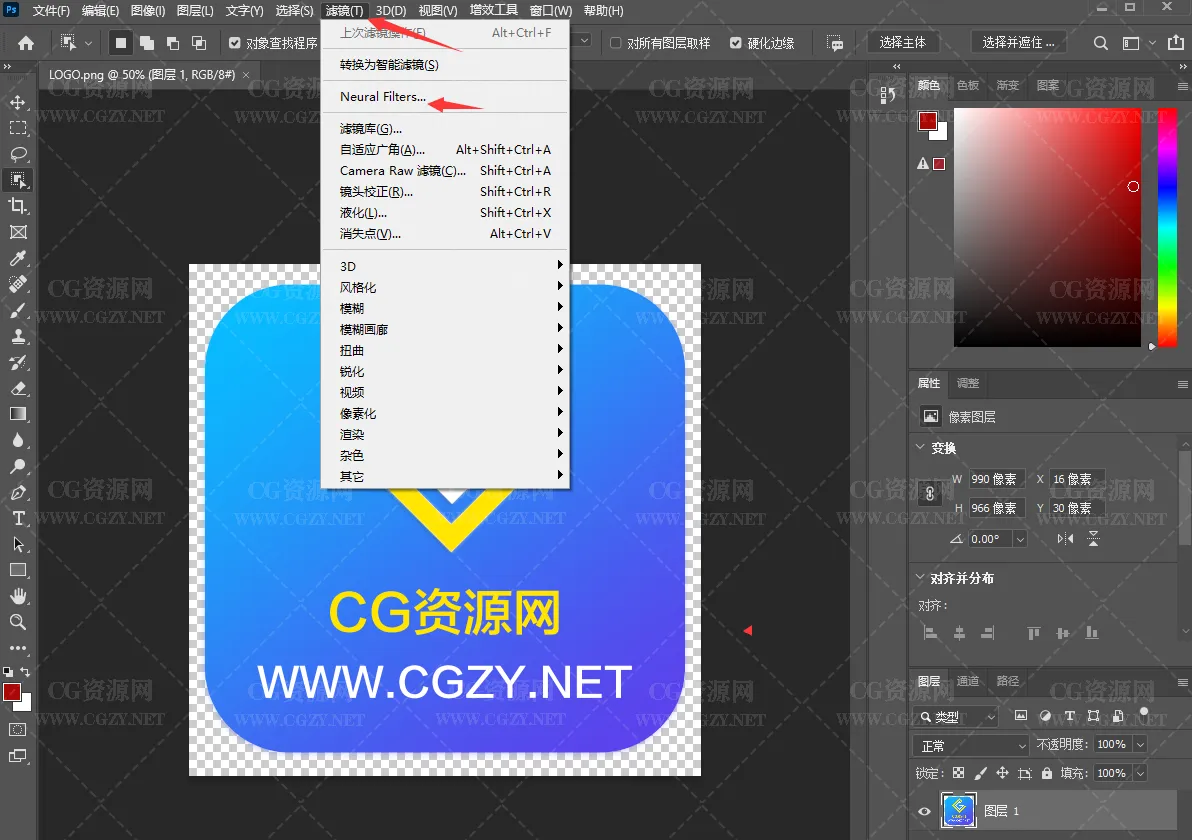
- Restart PS2023, import an image and open Neural Filters once
- Close PS2023 and copy the offline installation package to: (Note: the computer name is the folder named after your computer administrator — the Users directory is the user directory, and the AppData folder is usually a hidden folder; set your computer to show hidden folders)
C:\User\username\AppData\Roaming\Adobe\UXP\PluginsStorage\ — just paste it there. If it prompts about duplicate files, simply overwrite them.
- Open PS and enjoy!



