
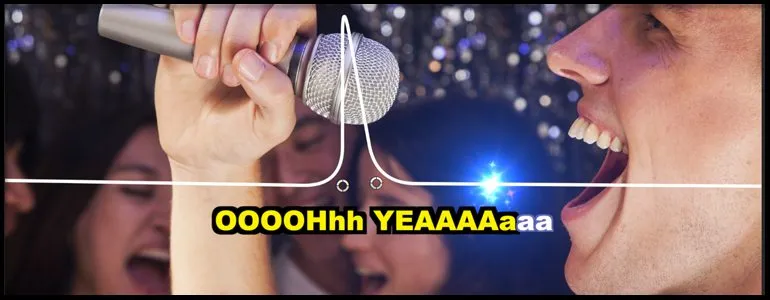
ProKaraoke creates karaoke scrolling lyric and subtitle animations. Manually adjust the keyframes for the scrolling speed of the lyric subtitles to create karaoke lyric animations, with many subtitle change effects, color changes, and size, position and rotation changes. It offers 12 backgrounds and control over many subtitle properties: color, size, gradient, shadow, outline, pixelation, plus support for Chinese and English input and more. You can also add bouncing little elements to subtitles: dots, particle starlight, or custom image elements. Includes a tutorial.
The plugin has 93 effect presets:
- 1 complete standalone tool,
- 12 backgrounds,
- 27 bouncing elements (dots, custom images, particle starlight)
- 4 color changes
- 6 3D subtitles
- 8 glowing subtitles
- 5 outline subtitles
- 6 pixelated subtitles
- 11 position-change subtitles
- 3 size-change subtitles
- 10 rotating subtitles
System requirements: Mac OS X 10.10.2 (or later) Software requirements: FCPX 10.2 (or later) Plugin language: English File size: 51.74MB (dmg file) Installation: double-click for one-click automatic installation Usage help: screenshot showing where to use it
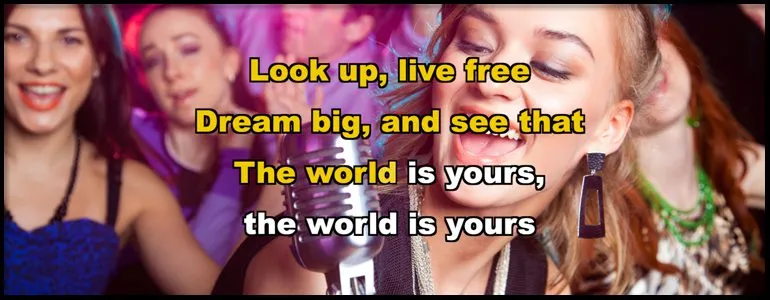 Karaoke in FCPX
Users can now make their own personalized karaoke videos in Final Cut Pro X. With PROKARAOKE, users can add their own bouncing objects above their personalized text, or choose a ball or twinkling stars. PROKARAOKE offers fully customizable text so karaoke videos never look the same, with endless possibilities at the click of a mouse.
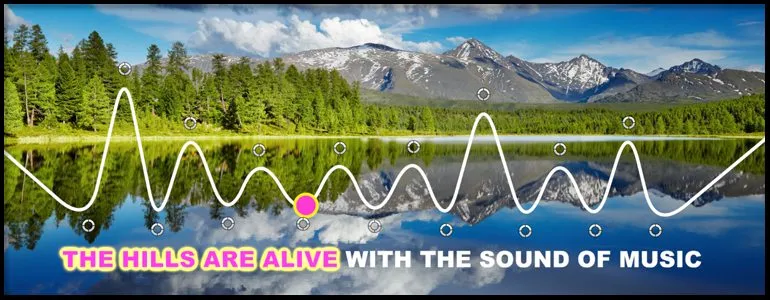 Bouncing balls, drop zones and stars
With PROKARAOKE: bouncing balls, drop zones and stars. Users can choose up to 9 words per line, object position, line roundness, object scale, object opacity, outline opacity, outline width, outline color, drop zone rotation, drop zone outline width and color, star color range and many other on-screen controls. Using PROKARAOKE bouncing objects grabs the audience’s attention just like in Final Cut Pro X.
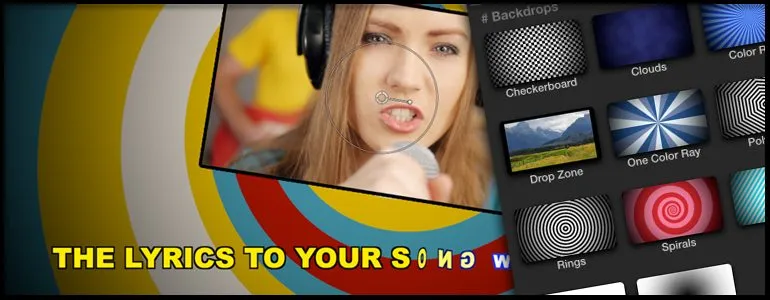 Karaoke backgrounds
With PROKARAOKE, users can choose from 12 fully customizable backgrounds. Users can adjust color size, rotation, color variance, divisions, waviness, frequency, phase, inner cutoff, outer cutoff, vignette color and more. Users can choose from fully customizable checkerboards, colored rays, clouds, single-color rays, polygons, rings, spirals, stars, stripes, text bars, inverted vignettes, or even drop zones with position, rotation, scale and outline controls in Final Cut Pro X.
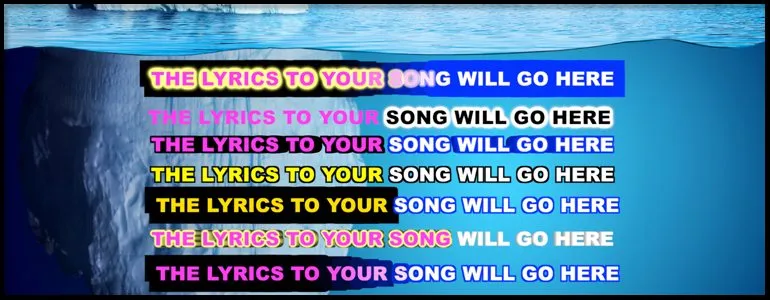 Over 90 effect presets
With PROKARAOKE, users can choose from more than 90 effect tool presets. There are bouncing object categories including balls, stars and drop zones, each ranging from 1 word to 9. Other categories are karaoke text styles such as backgrounds, color-changing text, extruded text, glowing text, outlined text, position animation, scaled text, rotating text, and even a master text animator, all combined into one. Users can change the text singing position, reveal, animation style, pixelation, position offset, stretch, stretch coloring, size, color, outline, glow, background gradient and more.
 Designed for Final Cut Pro X
PROKARAOKE is professionally designed to work seamlessly within Final Cut Pro X. As FCPX title tool effects and overlays, every PROKARAOKE preset can be dragged and dropped onto user footage. Using the published parameters in the FCPX inspector, users can make adjustments and generate their own karaoke videos with just a few clicks of the mouse.



