
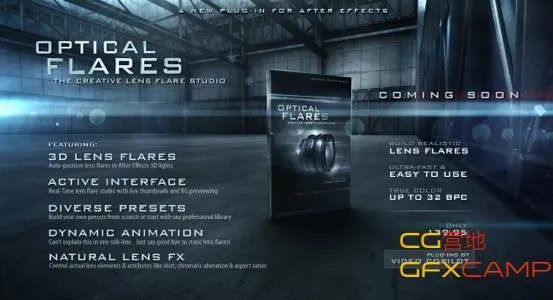
AK AE Lens Flare Plugin Video Copilot Optical Flares Bundle 1.3.8 CS4-CC 2022 Win/Mac + All Presets + Chinese-subtitled Tutorial
The Mac version has also been updated to the latest 1.3.8, supports M1, and fixes the bug where the flare didn’t display.
Optical Flares is a plug-in for designing and animating realistic lens flares in After Effects.
Win plugin installation steps:
- Install OpticalFlares_1.3.8 (168)_Installer_x64_2022.exe
- Copy OpticalFlares.aex to Program Files\Adobe\Adobe After Effects CC 2022\Support Files\Plug-ins\VideoCopilot and replace the original one
- Copy OpticalFlares.license to /Documents/VideoCopilot/Optical Flares
- Copy all the presets in the light effect presets folder to /Documents/VideoCopilot/Optical Flares/Optical Flares Presets/Lens Flares
- Open AE, go to Effect - VideoCopilot - Optical Flares and use the plugin; a pop-up will appear, click Install License and select OpticalFlares.license
Mac plugin installation steps:
- Double-click OpticalFlares_1.3.8 (168)_Installer to start the installation; if your AE version doesn’t appear, click Browser and select the Plug-ins under your AE installation directory
- Copy OpticalFlares.plugin to Applications\Adobe After Effects CC 2022\Plug-ins\VideoCopilot to replace
- Copy OpticalFlares.license to /Documents/VideoCopilot/Optical Flares
- Copy all the presets in the light effect presets folder to /Documents/VideoCopilot/Optical Flares/Optical Flares Presets/Lens Flares
- Open AE, go to Effect - VideoCopilot - OpticalFlares and use the plugin once; in the pop-up click Step 3 and pick OpticalFlares.license, and you’re done. If you’ve installed a cracked version before, the pop-up may not appear, and you can just use it normally
- If it says the plugin is damaged, just set it so apps from any source are allowed: https://jingyan.baidu.com/article/9f63fb9162e3e6c8400f0e30.html



