Overview
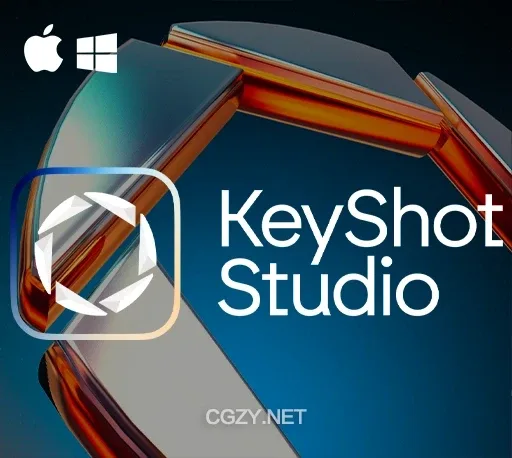
KeyShot Pro/Enterprise 2026 is professional real-time rendering software produced by Luxion, used to create high-quality photorealistic images and animations. The software offers a wide range of material libraries, lighting and camera settings, making it easy to create realistic and appealing images and animations.
The software has an intuitive user interface that makes it easy to import models, set up materials, lighting and cameras, and render instantly with real-time preview. The software also supports real-time HDR editing and region rendering, giving users better control over the look and feel of the scene.
In addition to the standard version, KeyShot Pro offers advanced features such as global illumination and real-time region rendering, while the Enterprise version also includes specific features such as network rendering, multi-user editing and advanced animation.
- It is now possible to add existing properties of materials in the library, to the Material Information Schema in the Schema Editor.
- Added Coloro color library.
- Added ability to animate Textures using a Curve Fade animation node in the material graph.
- Added a Web Viewer button to the ribbon.
- Added an option to disable color profile conversion to textures.
- Save material package through Scripting.
- Add ASE export to the color library.
- Added multi-selection to camera, environment and image style lists.
- Added support for Multi-Layer EXR files.
- The Color Profile of KeyShot will now be saved to rendered images.
- Added shortcuts to enable selection of a group or model by clicking on a part n the real-time view.
Installation method:
- Double-click to install keyshot_studio, and select install for anyone using this computer
- Copy the Luxion_License_Server folder to the root of the C drive, then right-click server_install.bat inside it and run it as administrator
- Copy the files in KeyShot Studio\bin into the bin folder of your KeyShot installation directory and replace the existing files
- Run and open KeyShot 2026, select I have a permanent license, then select a floating license and enter @localhost