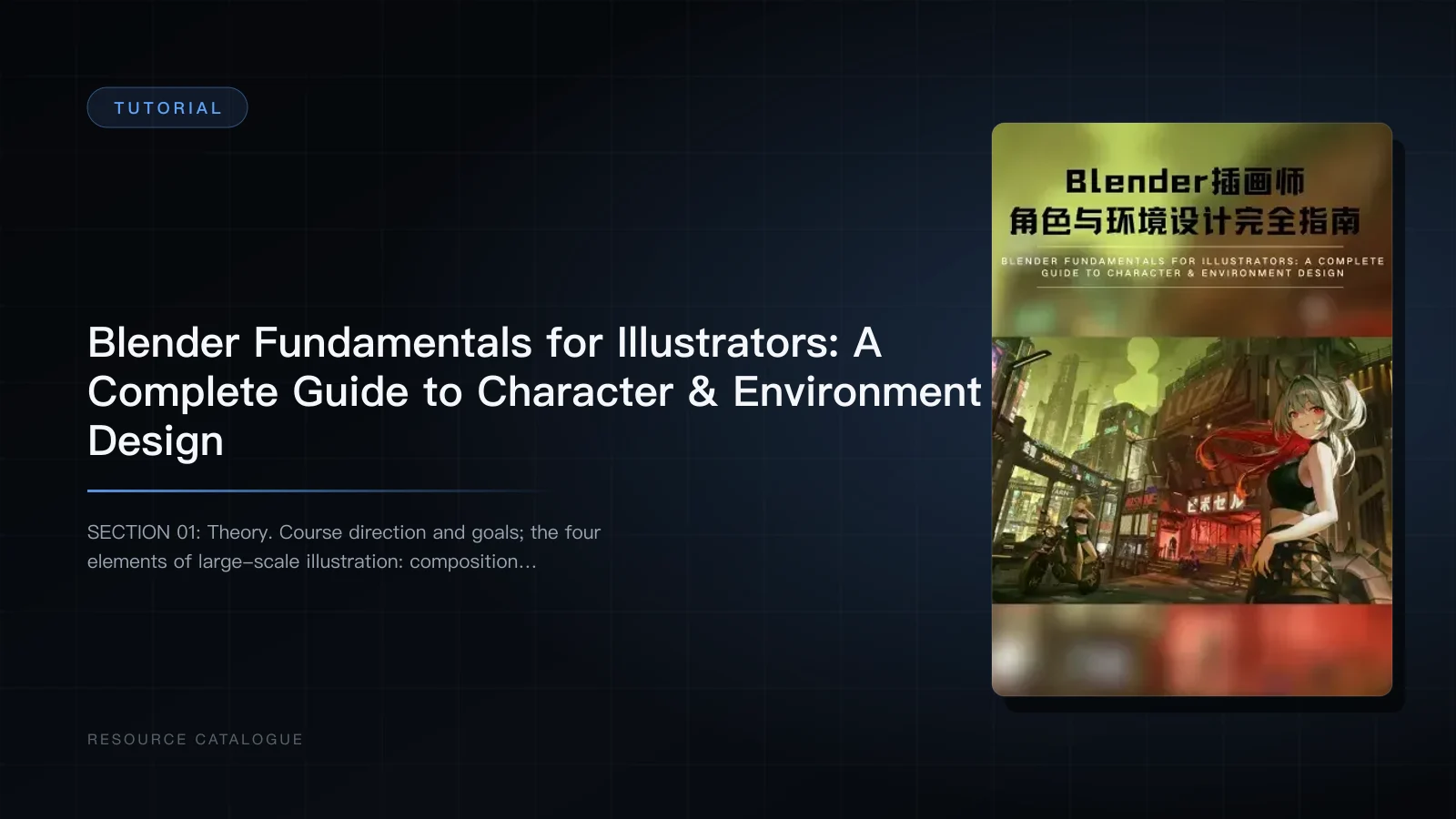
Blender Fundamentals for Illustrators: A Complete Guide to Character & Environment Design is a course taught by IKKI, covering beginner to advanced levels, with 30 videos and a total runtime of 18 hours 31 minutes
2. Course Outline
-
SECTION 01: Theory
- Course direction and goals
- The four elements of large-scale illustration: composition, perspective, value and light
-
SECTION 02: Blender Basics
- Blender Navigation 1: exploring Object Mode, move/rotate/scale, creating (curves, text, lights, etc.), deleting, viewport shading, 3D cursor, orientation, workspace adjustment, transform/mirror, origin settings
- Blender Navigation 2: exploring Edit Mode, vertices/edges/faces, merging, basic tools
-
SECTION 03: Creating Spaces in Blender
- Vending machine design: follow IKKI’s Blender workflow to create simple objects and understand nodes and the UV editor
- Convenience store design: get familiar with object design through repeated practice, install Daz Studio and explore its basic tools, and use virtual characters
- Hotel swimming pool design: spatial composition and how to use external assets and materials
- Abandoned factory design: efficiently design spaces with the Asset Browser, and the post-render steps for creating an illustration in 2D programs
-
SECTION 04: Blender Particles
- Architecture design: particles for man-made objects, using Geometry Nodes
- Terrain design: particles for natural objects
-
SECTION 05: Add-ons
- Understanding add-ons: essential add-ons (BoxCutter, Cablerator)
- Designing a test tube with add-ons: designing a test tube using Adobe Mixamo
-
SECTION 06: Medieval Fantasy Illustration 1
- Creating a work plan: based on IKKI’s workflow
- Sketching
- Asset creation and placement
- Unreal Engine 5 setup: installation and exploration, the features IKKI uses, specific settings
- Post-render processing: depth separation, spatial separation, atmosphere setup
-
SECTION 07: Medieval Fantasy Illustration 2
- Background painting: paint in the order of background, midground and foreground, and use photos and texture images to improve quality
- Character painting: refine outlines, separate and color light and shadow areas, add details
- Correction and completion
-
SECTION 08: Sci-Fi Style Illustration 1
- Creating a work plan: based on IKKI’s workflow
- Sketching
- Blocking out: using the Asset Browser
- Unreal Engine 5 setup
- Post-render processing: depth separation, spatial separation, atmosphere setup
-
SECTION 09: Sci-Fi Style Illustration 2
- Background painting: paint in the order of background, midground and foreground, and use photos and texture images to improve quality
- Character painting: refine outlines, separate and color light and shadow areas, add details
- Correction and completion
-
SECTION 10: Summary
- Review of what was learned and the key takeaways