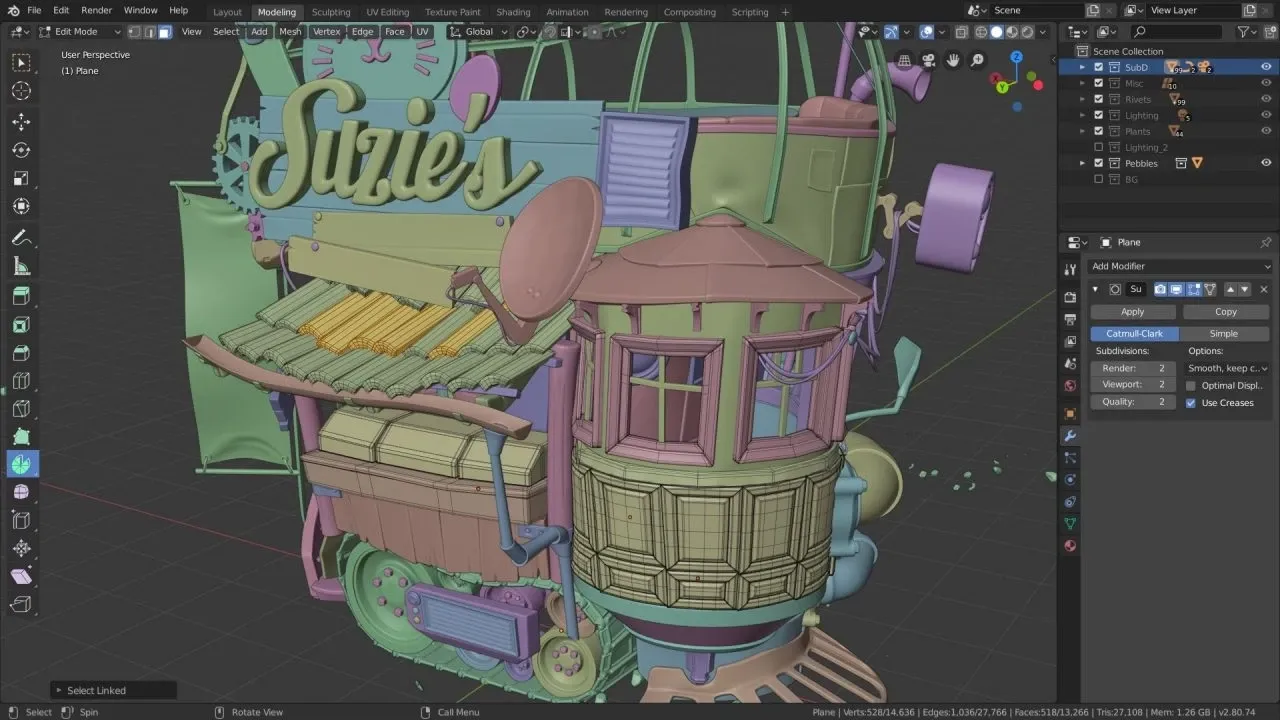
Resource Introduction:
Blender is an open-source, cross-platform, all-in-one 3D animation production software, providing a series of short-film production solutions from modeling, animation, materials and rendering to audio processing and video editing. It features multiple user interfaces convenient for different tasks, and comes with built-in advanced film and TV solutions such as greenscreen keying, camera reverse tracking, mask processing and post-production node compositing. It also includes cartoon outlines (FreeStyle) and the GPU-based Cycles renderer. It uses Python as its built-in scripting language and supports a variety of third-party renderers. Blender is designed for media professionals and artists around the world; it can be used for 3D visualization and can also create broadcast- and film-quality video. In addition, the built-in real-time 3D game engine makes it possible to create standalone-replayable 3D interactive content. Blender uses Python as its built-in scripting language, supports the external Yafaray renderer, and also has a built-in game engine. Blender is designed for media professionals and artists around the world, can be used for 3D visualization, and is extremely feature-rich — much of it is high-end content creation software. Powerful shortcut functions let you get twice the results with half the effort. With Blender, players who love 3D graphics don’t have to spend a lot of money to create their favorite 3D models. It not only supports various polygon modeling techniques, but can also produce animations!
1. New Features Overview:
- Color management: Blender 5.0 introduces a brand-new color management pipeline, supporting wide gamut and HDR color spaces and providing more accurate color processing and display — especially suitable for color grading HDR video.
- ACES support: This version adds support for ACES 1.3 and 2.0 workflows, providing better color space management.
- Sky Texture node: The improved sky model supports multiple scattering, generating more realistic sky effects, and can produce sunset scenes through simple parameter animation.
- New nodes and rendering algorithms: including the newly added Bundle and Closure nodes, improved Raymarch and multi-resolution baking, etc.
- Cycles rendering improvements: introduces a new unbiased volumetric rendering algorithm and an improved subsurface scattering algorithm for more efficient rendering.
2. Enhanced Rendering and Texture Support:
- EEVEE render engine: supports faster material compilation; configuring the NVIDIA and Vulkan backends can greatly increase rendering speed.
- New material support: introduces thin-film metallic sheen and color effects for metal materials, supporting more realistic optical performance.
- Diverse node support: newly added nodes such as Radial Tiling and Sky Texture make creating materials and textures simpler and more flexible.
3. Video Editing:
- Video Sequence Editor (VSE): Blender 5.0 brings large-scale improvements to the VSE, introducing a more intuitive UI, enhanced scene synchronization, and new editing tools (such as the slide tool and selection tool) to support a more efficient multi-scene editing workflow.
- Playback controls: the playback control area embedded in the VSE lets users directly control playback and jumping during editing.
4. Grease Pencil Improvements:
- Motion blur: Grease Pencil objects now support motion blur effects, improving animation quality.
- New brushes and interpolation tools: supports Bézier and Catmull-Rom curve types, optimizing animation creation.
5. Modeling and Sculpting:
- New Array modifier: supports circular distribution and randomization, and is built with geometry nodes for more powerful functionality.
- UV editing improvements: improved UV sync functionality and added new UV editing tools and options.
- Sculpting and texture painting: added pixel art brushes and eraser tools, and improved the multiresolution modifier.
6. Python API and Developer Support:
- Blender 5.0 adds a new Shader node API and improves the Python API, supporting richer feature customization.
7. Compatibility and Removed Content:
- Import/export improvements: optimized support for FBX, OBJ, USD and other formats, improving the smoothness of cross-software workflows.
- Deprecated features: some legacy features such as Collada (.dae) and certain cache compression formats have been removed.
8. Performance and Optimization:
- Faster rendering and workflows: extensive optimizations to material compilation, node processing and rendering speed, with particularly significant performance gains under the Vulkan and NVIDIA backends.
9. Virtual Reality (VR) and Extended Features:
- VR support: added a VR scene inspection feature, with motion sickness reduction effects such as vignette effects and jump controls.
New features: https://www.blender.org/download/releases/5-0/