Resource Introduction
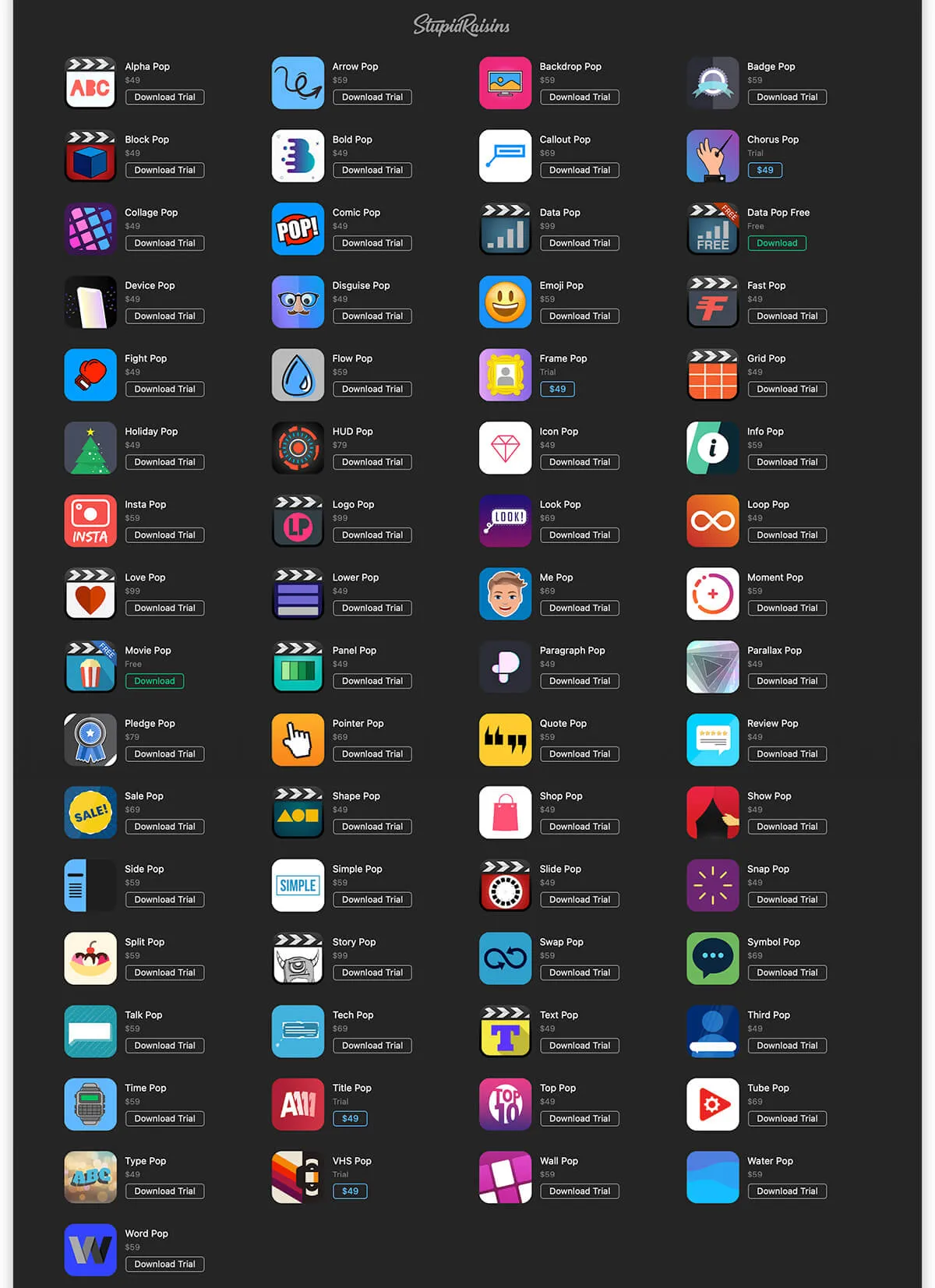
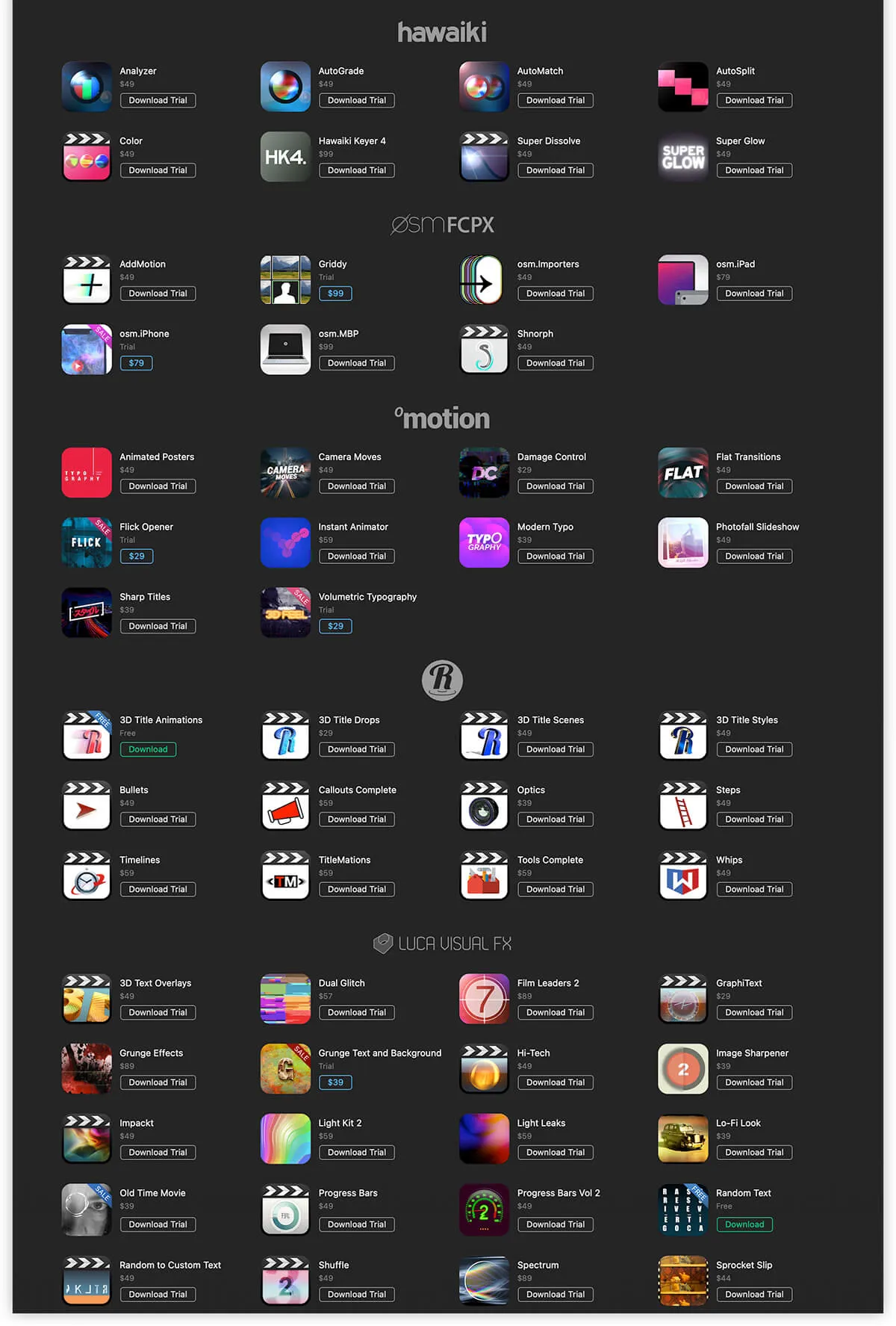
FxFactory 9 is a powerful visual effects package. All the plugins inside can be downloaded online and automatically registered and activated successfully — just install them by following the tutorial. It supports OpenCL and Metal GPU acceleration. Tens of thousands of plugin presets: intro plugins, LOGO plugins, glow plugins, Nodes point-line particle plugins, film plugins, skin-smoothing plugins, color grading plugins (curves, levels, color wheels, secondary grading), dialogue box plugins, lower third plugins, high-tech hologram plugins, shatter plugins, all kinds of transition plugins, visual plugins, effect plugins, data statistics plugins, light beam plugins, stylization plugins, title plugins, camera plugins, theme plugins, old film plugins, split screen plugins, logo plugins, cartoon character plugins, particle plugins, light effect plugins, text plugins, keying plugins and more — you name it. It supports Final Cut Pro, Motion, Final Cut Pro X, Premiere Pro and After Effects and more.
FxFactory powers a vast collection of visual effects, audio plugins and apps designed for video editors. The plugins available through FxFactory support the most popular video and audio apps available for the Mac: Final Cut Pro, Motion, Adobe Premiere Pro, Adobe After Effects, Adobe Audition, Logic Pro, GarageBand, DaVinci Resolve, Avid Pro Tools and Avid Media Composer.
Compatible software:
- Program version: FxFactory 9.0.7 Supports macOS 13.5 and later (no Windows support); 9.0.7 supports only M-series chips, not Intel chips
- After Effects 2020 – 2026 or later
- Premiere Pro 2020 – 2026 or later
- Final Cut Pro 10.6 or later
- Apple Motion 5.6 or later
- Audition CC 2018 or later (*audio processing plugins only)
- Logic Pro v10.3 or later (*audio processing plugins only)
- GarageBand v10.1 or later (*audio processing plugins only)
- DaVinci Resolve 12 or later (*audio processing plugins only)
Partial plugin list: