
Resource Introduction
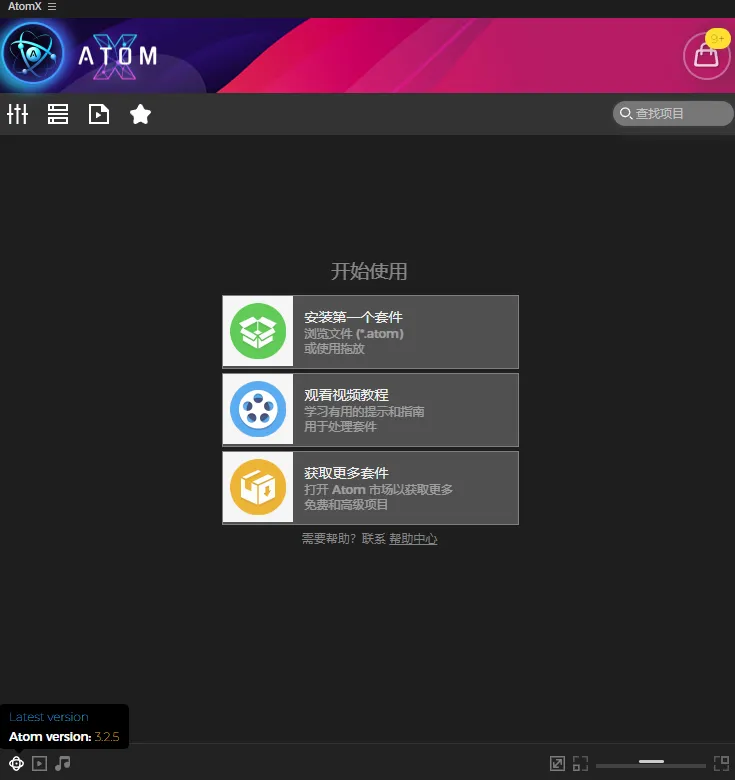
Here you can download AtomX 3.2.5 Chinese/English localized cracked version. AtomX is an extension script commonly used with AE and PR, and the site also hosts many preset packs that use the AtomX script. Only the AtomX script download is provided here. If you need it, download it now!
Script info:
- Script version: AtomX v3.3.3
- Script language: Chinese localization by the CG resources website
- Help: built-in Chinese installation instructions
- Compatibility: supports Win/Mac systems
- After Effects: 2026, 2025, 2024, 2023, 2022, 2021, 2020, CC 2019
- Premiere Pro: 2026, 2025, 2024, 2023, 2022, 2021, 2020, CC 2019
How to use:
-
Copy the AtomX folder to one of the following locations:
Win : C:\Program Files (x86)\Common Files\Adobe\CEP\extensions\
Mac : System disk/Library (called 资源库 in Chinese) /Application Support/Adobe/CEP/extensions -
On Win run Add Keys.reg once; on Mac run install-as-admin once
-
Open the AE settings and tick *Allow Scripts to Write Files and Access Network
Win: Edit - Preferences - General
Mac: After Effects CC - Preferences - General
On AE CC2019.1 or later it is located under:
Win: Edit - Preferences - Scripting & Expressions
Mac: After Effects CC - Preferences - Scripting & Expressions
- Open AE, go to Window - Extensions in the top menu and open the AtomX script, click the globe icon in the top-left corner, and import the .atom preset file.
*After installation, do not move or delete the installation files, otherwise the script presets will stop working and you will need to reinstall.
Preset packs for the AtomX script:
tip
To find more preset packs for the AtomX script, search on the homepage — they are not all shown here.



