
Resource Introduction
AEscripts loopFlow is an After Effects plugin that can animate a looping flow within part of a still image. Using two masks, you can determine the flow area and direction. Use it to animate continuous fluid movement such as flowing water, rolling smoke, flying particles and fire. You can also animate hair, fur, fabric or patterns — your imagination is the limit. The animation is based on sliding the image area along a grid generated between the two masks. You can easily loop the animation.
Plugin features:
– The animation area is defined by two masks.
– Seamless animation with looping, with options to start or stop the loop.
– The animation can move forward or backward.
– Blending can be linear, soft noise or wiping.
– The blend transition lets you control the curves of the two layers separately.
– Add optional distortion to make the animation look more natural.
– Speed Ramp lets you dynamically change the flow speed.
How to install:
Copy the LoopFlow.aex plugin file for the language you need into AE’s plugin folder, for example:
….\Adobe After Effects CC\Support Files\Plug-ins
How to use:
-
Add the still image to your composition
-
Draw 2 masks on the image layer (it is best to draw the masks in the same direction.)
-
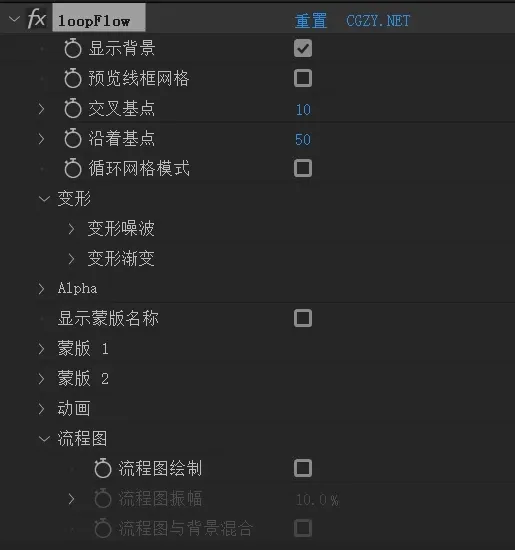
Apply the loopFlow effect to the layer and assign the masks in the Mask1 and Mask2 sections.
-
Done!
(By default, the loop duration is 3 seconds. You can adjust it in the Animation section)
tip
Supports After Effects 2026, 2025, 2024, 2023, 2022, 2021, 2020, CC 2019, CC 2018, CC 2017, CC 2015.3, CC 2015, CC 2014



