Overview
Adobe Audition 2026 is a professional audio editing and production application released by Adobe, designed to give users powerful audio processing capabilities. It combines recording, editing, mixing and restoration in one, and is widely used in fields such as music production, podcast recording and film and TV post-production sound design. The software supports multitrack editing, letting users easily manage multiple audio tracks and achieve complex mixes; it also provides advanced audio repair tools such as noise reduction and distortion repair to help users optimize sound quality. Adobe Audition comes with a rich set of built-in audio effects and supports third-party plug-in extensions, meeting diverse creative needs.
Main features:
- Multitrack editing: Audition lets users work with multiple audio tracks in a single project, making it convenient to organize and edit different audio materials.
- Audio repair: The software has powerful built-in audio repair tools that can remove noise, hum, whistling and other unwanted audio interference to improve audio quality.
- Audio effects and processing: Audition provides a large number of audio effects and processing tools, such as the equalizer, compressor and reverb, for various kinds of audio processing and enhancement.
- Multiple recording methods: Users can record audio directly through the built-in recording feature, or import existing audio files for editing.
- Multiple output formats: Audition supports many common audio file formats, including MP3, WAV and AIFF, so users can choose the right output format as needed.
- Seamless integration with other Adobe software: Audition can integrate seamlessly with other Adobe Creative Cloud software (such as Premiere Pro and After Effects), making it easy for users to process and edit audio across different applications.
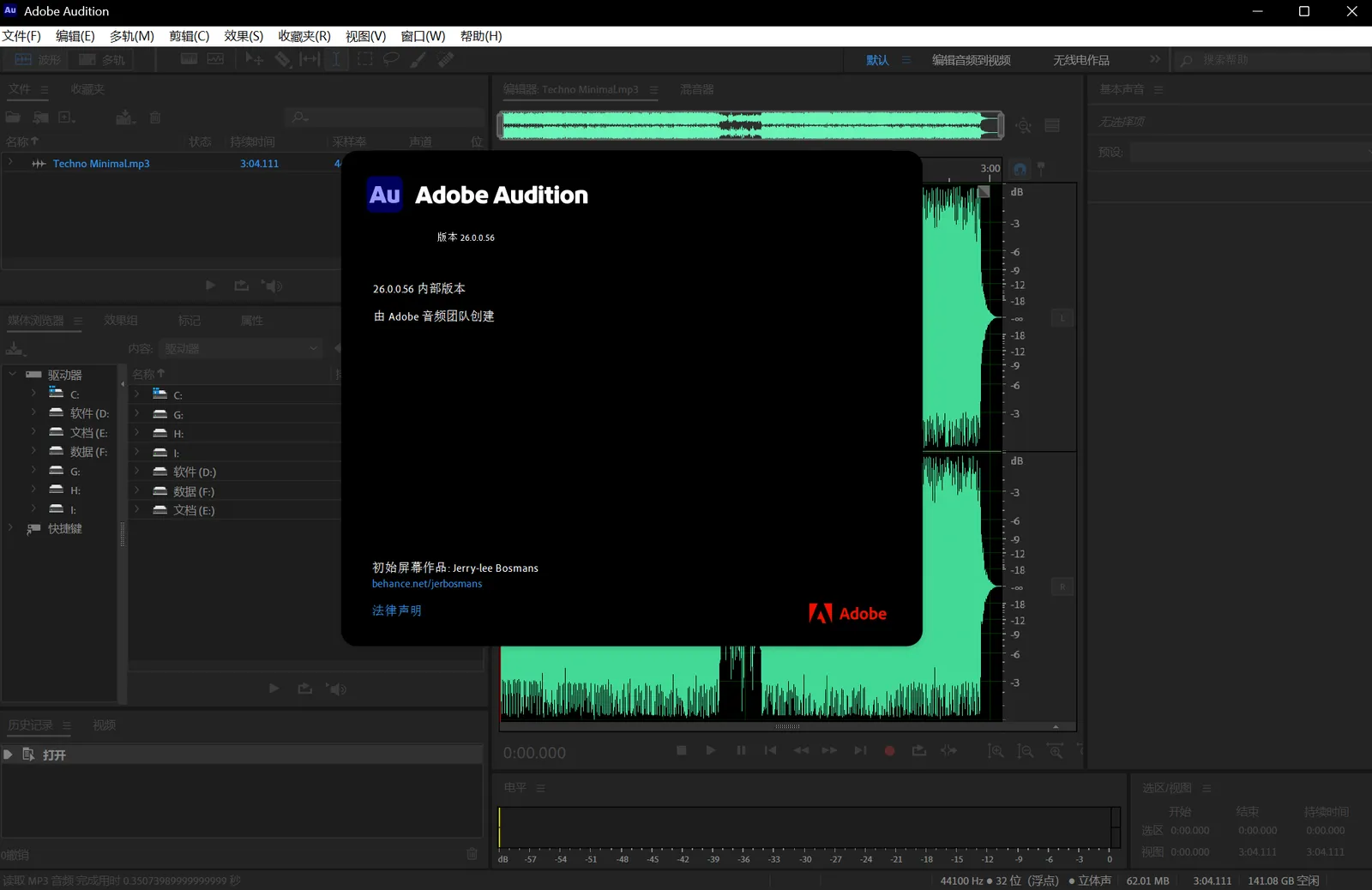
Windows installation:
-
Disable antivirus first so the keygen is not deleted by mistake
-
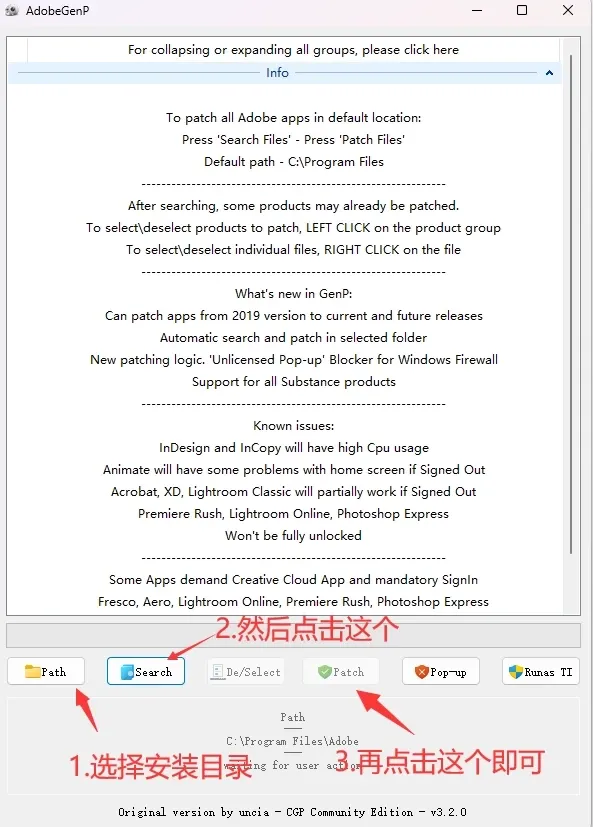
Click Set-up.exe to start the installation
When the installation finishes, right-click AdobeGenP.exe and run it as administrator, click Path in the bottom-left corner and select the software’s installation folder, then click Search — it will automatically find all installed Adobe applications in that folder. Tick the applications you want to patch and click Patch.